Text to Image
Select a model
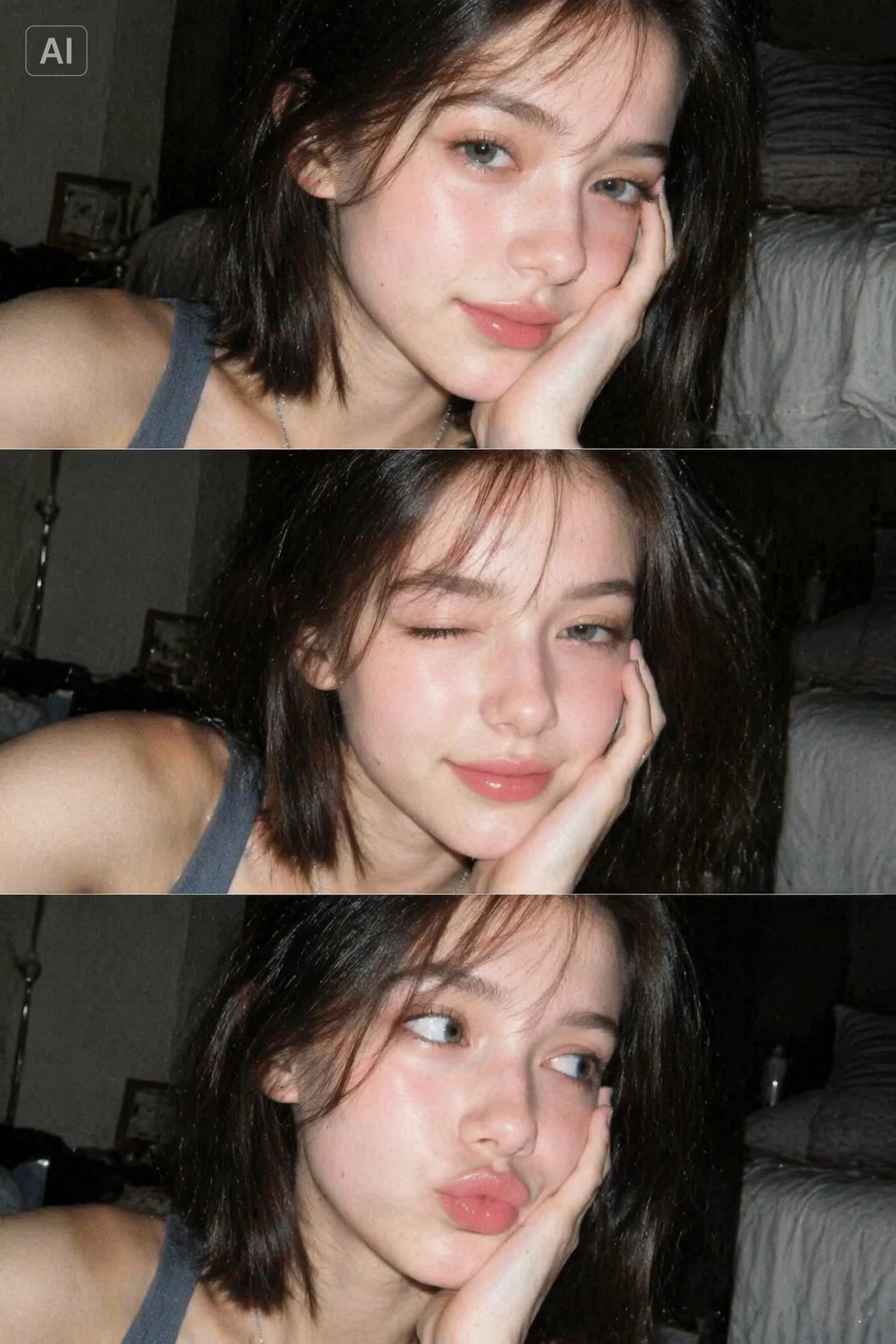
More like this
Text to Image AI
Turn Any Prompt into an Image
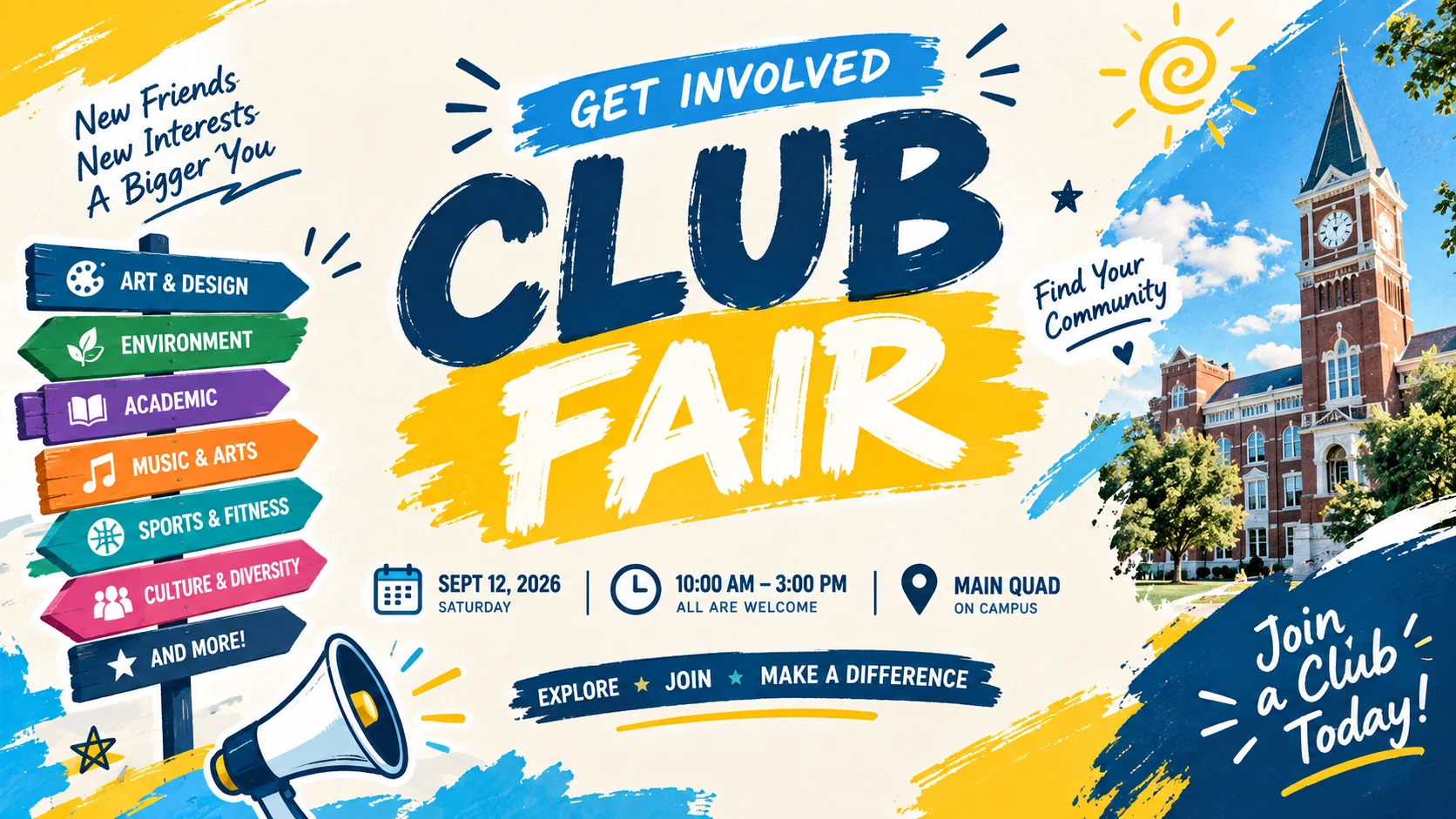
Poster Design
Create eye-catching posters for events, campaigns, promotions, and social media with just a simple idea.
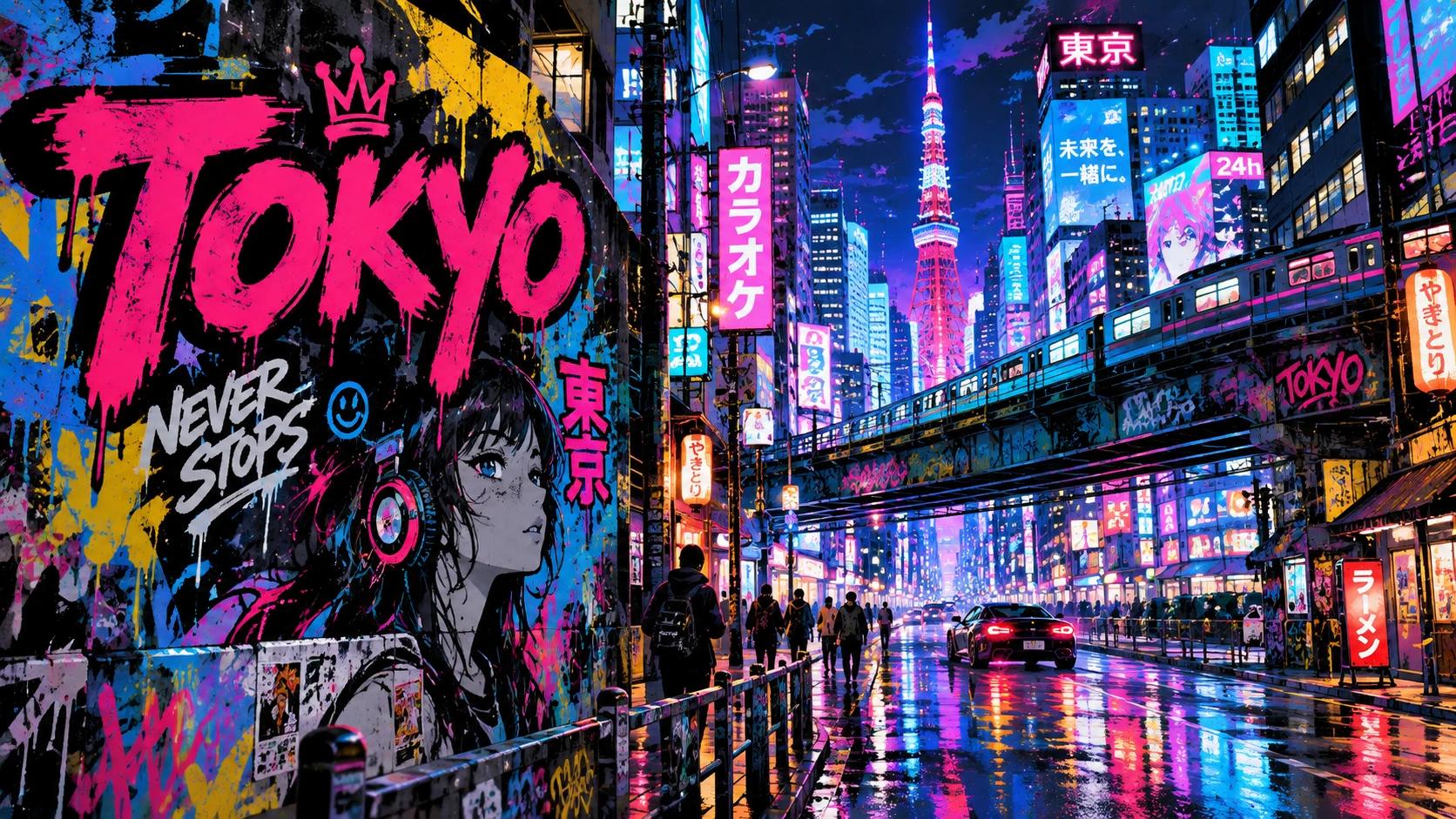
Creative Ideas
Turn your imagination into reality and explore endless creative possibilities with AI-generated images.
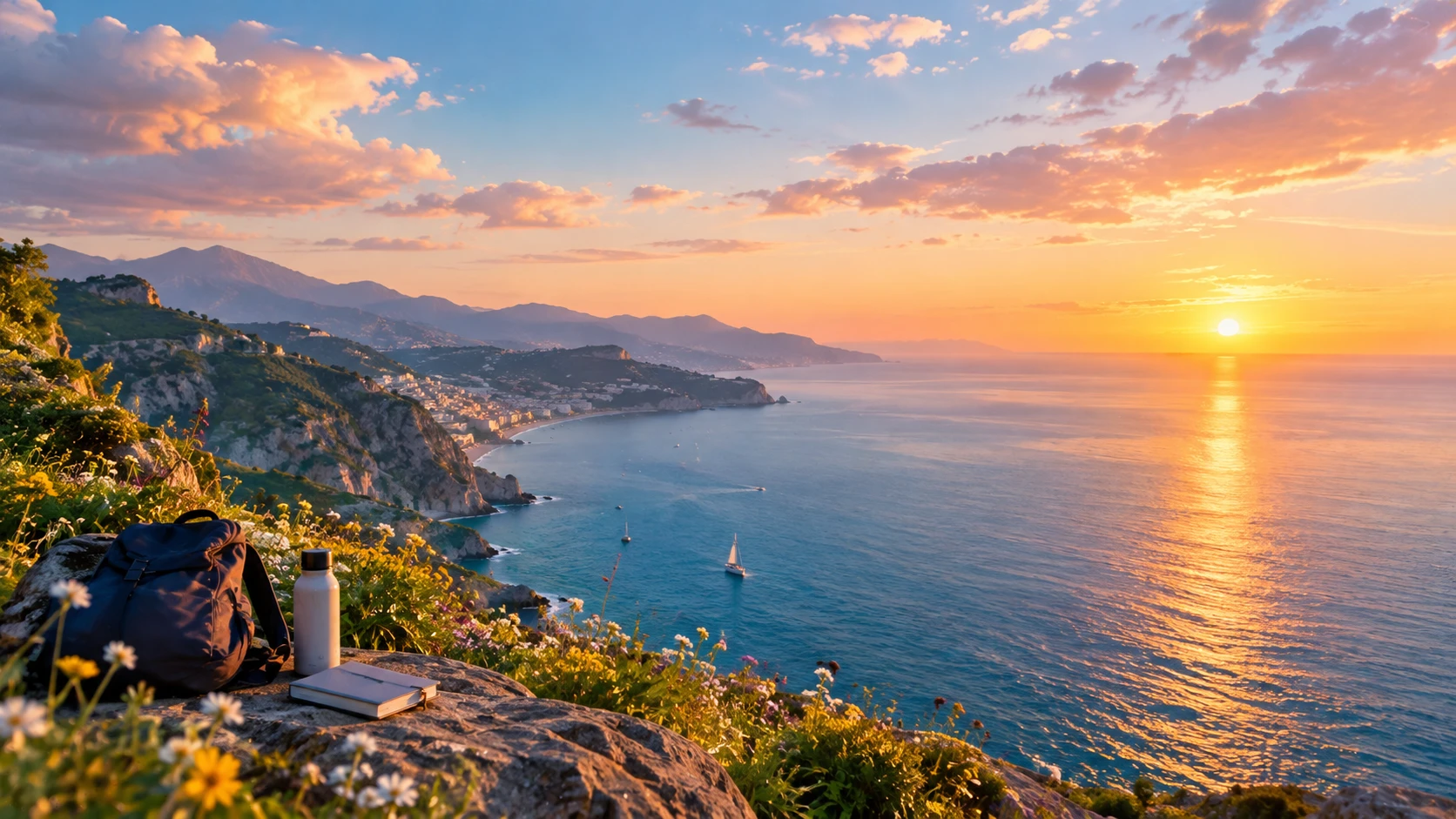
Wallpaper
Transform your ideas into stunning wallpapers with beautiful scenes, unique styles, and immersive visuals.
How it works
STEP1
Describe your image — subject, style, lighting and composition, in one or two sentences.
STEP2
Pick a model, style and aspect ratio, and choose how many outputs you want.
STEP3
Generate, compare the results side by side, and download your image.
FAQ
What is text to image AI?
It creates an image from a written description — no camera, no stock library, no design software. You type what you want to see and the model renders it.
How do I write a good prompt?
Name the subject, the style, the lighting and the framing. "A glass teapot on marble, soft window light, shallow depth of field, warm tones" works far better than "a nice picture".
Can I choose which AI model to use?
Yes — 10 models, including Qwan、Nano banana、GPT、Gork、Seedream Flux and so on. The same prompt can be run through several so you can compare detail, style and speed.
Can I edit the image or turn it into a video afterwards?
Yes. Send any result to the editor to restyle or replace parts → /image-to-image/, or animate it into a clip → /image-to-video/
Is text to image AI free to try?
free credits to start, no credit card required. Free exports are 【720p】 with a watermark.