
Reference to Video
Select a model
More like this
Reference to Video AI
Upload audio, images, or videos to create videos based on your references.
 Before
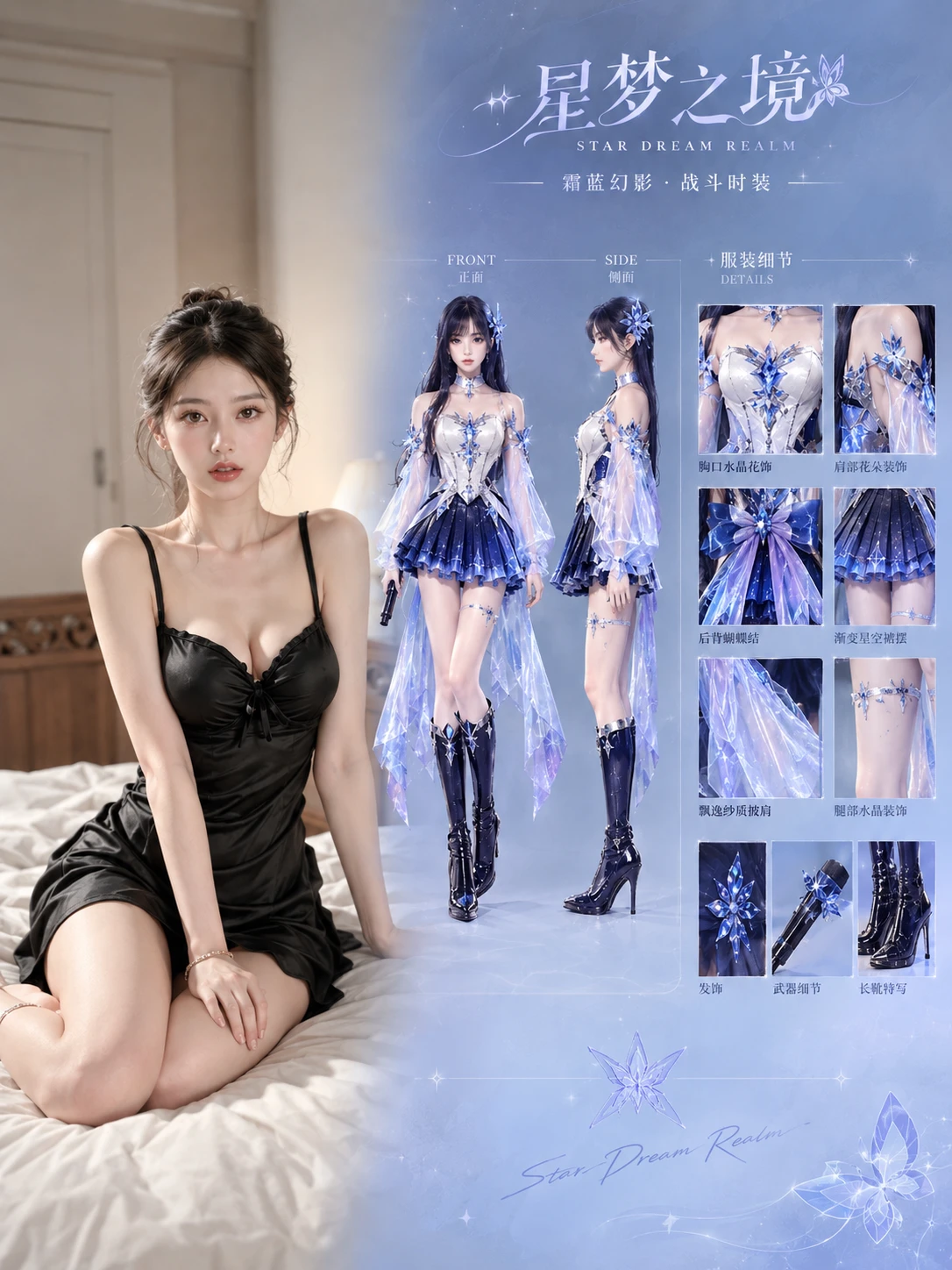
A high-energy transformation of a girl from a sunset classroom to a radiant concert stage: a blue-violet energy circle dissolves her into stardust before a sharp cut to the arena, where an energy burst reconstructs her in a crystal stage costume with a glowing microphone, culminating in an epic hero shot surrounded by light pillars and energy wings.
How it works
STEP1
Add your references — an image of the character, plus a video clip or audio track if you need motion or sound.
STEP2
Describe the scene you want, then pick a model, duration and aspect ratio.
STEP3
Generate, check the character holds, and download your MP4. Regenerate with the result as the new reference to keep a series consistent.
FAQ
What is reference to video AI?
It generates a new video guided by the material you supply — an image, a video clip, an audio track, or several at once — instead of words alone. The reference tells the model whose face, what style and what motion to follow.
How is it different from image to video?
Image to video animates one picture: the photo is the first frame and the motion happens from there. Reference to video uses the material as a guide, not a starting frame — you can hold a character across many different shots and scenes.