
首尾帧生视频
请选择模型
更多相似玩法
Start and End Frame Video Generator
Upload a start frame and an end frame, describe the motion, and AI fills in every frame between them. free credits to start.
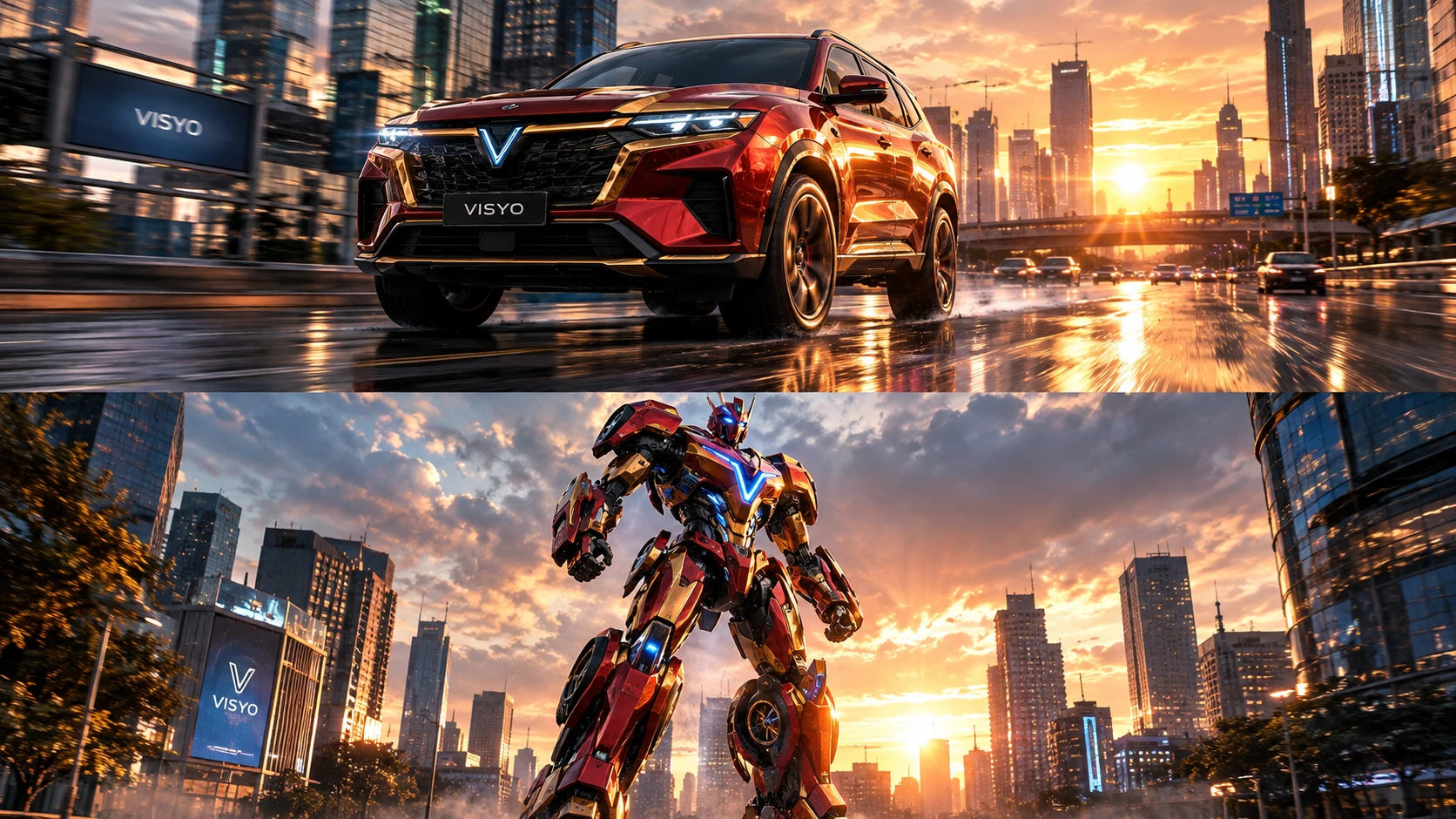 处理前
处理前A futuristic red-and-gold SUV speeds through a modern city before transforming through a series of detailed mechanical movements into a towering sci-fi mecha, illuminated by dramatic sunset light and futuristic city reflections.
使用步骤
STEP1
Upload your start frame — the first image of the shot.
STEP2
Upload your end frame, then describe the motion that should happen between them.
STEP3
Generate, preview the transition, and download your MP4. Use the last frame as the next clip's start frame to continue.
常见问题
What is a start and end frame video generator?
It generates the video between two images you supply — you fix both the first and the last frame, and the AI fills in every frame in between.
How is it different from image to video?
Image to video animates one picture — the photo is the opening frame and the motion runs on from there. Start and end frame fixes both ends, so you control exactly where the shot lands. → /image-to-video/
What if my two frames are very different?
The model handles it, but shorter hops work best. For a big change — a different location or a full wardrobe swap — describe it in the prompt, or split it into two clips and chain them.
Can I make a longer video or several shots?
Yes. Generate shot by shot and use each clip's last frame as the next clip's start frame — the pieces join into one continuous sequence.