
文生视频
请选择模型
更多相似玩法
Text to Video AI
Type a prompt and get a finished video with AI. Pick a model, set length and aspect ratio, and export an MP4 in seconds.
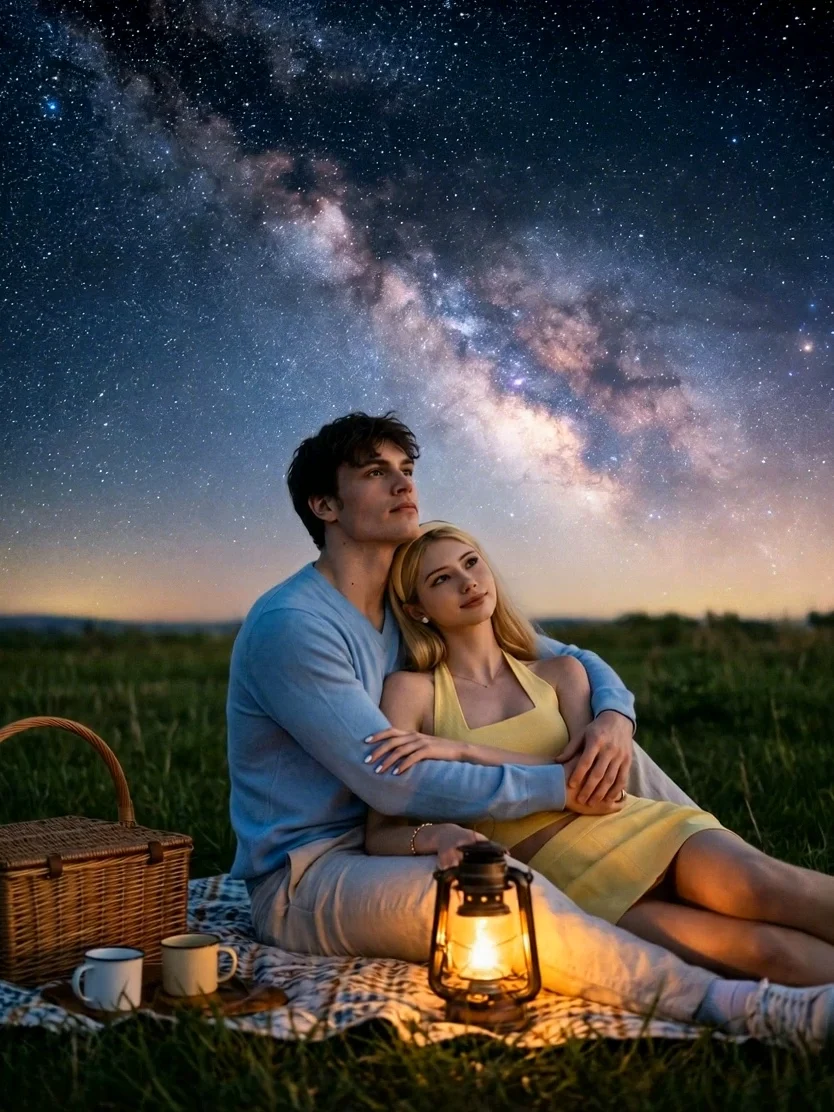
Cinematic Scenes
Transform simple text prompts into breathtaking, cinematic scenes with stunning visuals and dramatic storytelling.
Creative Short Films
Turn your ideas into engaging short videos, from imaginative animal stories to mysterious and supernatural events.
Visualize Imagination
Bring impossible worlds to life, from magical kingdoms and fantasy adventures to distant planets and futuristic civilizations.
使用步骤
STEP1
Describe your scene — subject, action, camera move, and lighting, in one or two sentences.
STEP2
Pick a model and set duration, aspect ratio and how many outputs you want.
STEP3
Generate, compare results side by side, and download your MP4.
常见问题
What is text to video AI?
Name the subject, the action, the camera move and the lighting. "Woman walks through a rainy Tokyo street, camera tracks from behind, neon reflections" beats "a nice video".
Can I choose which AI model to use?
Yes — 20+ models, including seedance grok happyhorse hailuo minimax and so on . The same prompt can be run through several so you can compare motion, realism and speed.
Can I make longer videos or multi-shot scenes?
Yes. Generate each shot separately and carry the last frame into the next as the first frame